
It is not a choice between structured cabling and Wi-Fi, because a good office needs both and they do different jobs. Wi-Fi is for laptops, phones, and anything that moves, while cabling is for the things that stay put and need to be reliable, including the Wi-Fi access points themselves. The mistake we see most often is treating Wi-Fi as a way to avoid cabling, which produces a wireless network that can never perform because the wired backbone underneath it was never built.
Key facts
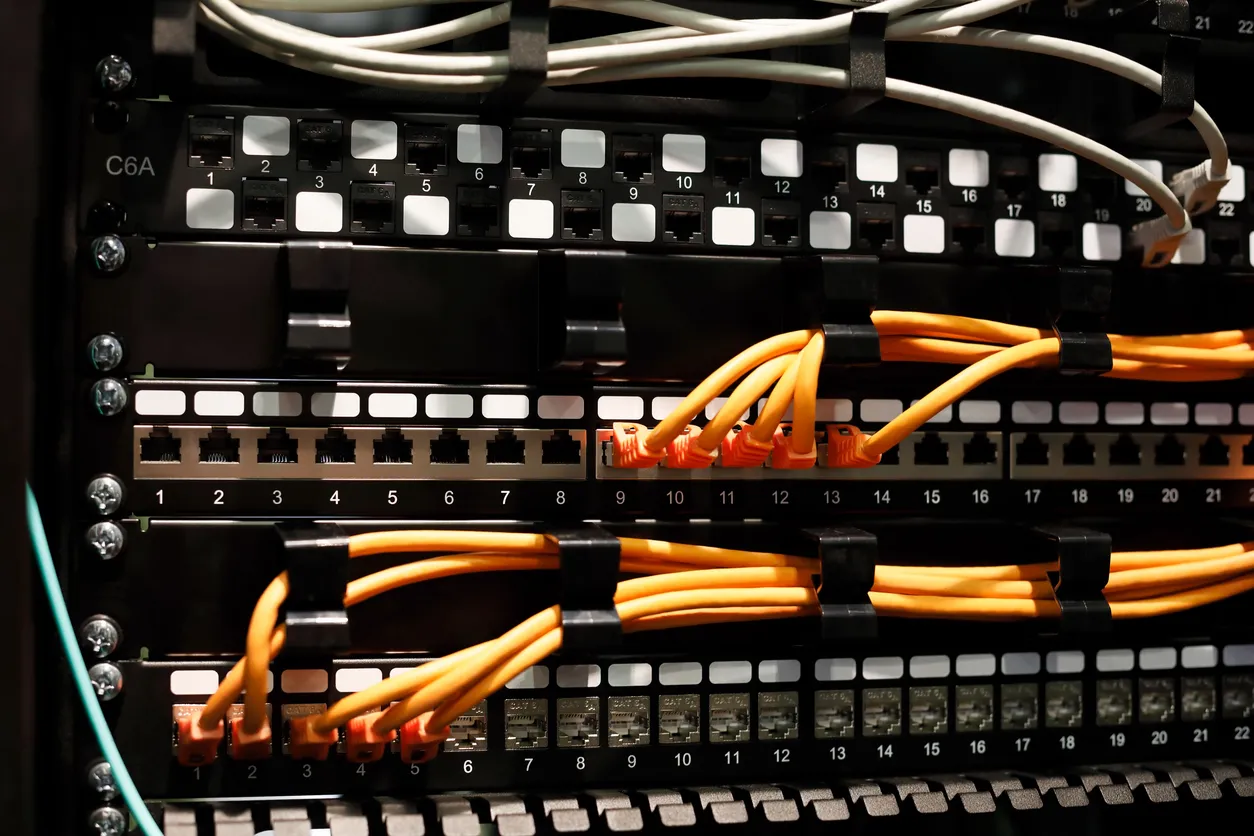
- Wi-Fi and cabling are complementary: wireless for mobile devices, cabling for fixed, reliable connections and for the access points themselves.
- Every Wi-Fi access point is wired back to the network, so Wi-Fi quality is limited by the cabling behind it.
- Wired connections are still more reliable and consistent than wireless for desktops, point-of-sale terminals, and other fixed equipment.
- Trying to avoid cabling with Wi-Fi alone usually produces a network that underperforms and is hard to fix.
- The best time to plan cabling is during a fit-out, before walls and ceilings are closed.
Can we just use Wi-Fi and skip cabling?
No, because Wi-Fi does not remove the need for cabling; it sits on top of it. Every access point that broadcasts your wireless signal is itself connected to the network by a cable, and that cable, along with the switch it plugs into, sets the ceiling on what the access point can deliver. A business that tries to go fully wireless to save on cabling ends up with access points hanging off whatever wiring happened to be there, which is exactly how you get a wireless network that looks modern and performs poorly. You cannot escape the wired layer, you can only build it well or build it badly.
What should be wired rather than wireless?
Anything that stays in one place and needs to be reliable is better wired, while anything that moves belongs on Wi-Fi. Desktop computers, point-of-sale terminals, printers, desk phones, and fixed equipment all benefit from a cabled connection that does not compete for airtime and does not drop. Wi-Fi is the right choice for laptops, tablets, and phones that move around the office. Getting this split right is half of a good network design: wire the things that should be wired, and reserve the wireless capacity for the things that genuinely need it. For businesses running Sophos, Sophos Switch manages the wired layer from the same console as your firewall and wireless.
How does cabling affect Wi-Fi quality?
Cabling affects Wi-Fi quality directly, because an access point can only be as good as the connection feeding it, and a poor or undersized cable run becomes the bottleneck for everything that access point serves. If you want strong, reliable business Wi-Fi, it has to be built on a sound wired backbone with access points placed where the coverage is needed and cabled properly back to the switch. This is why we look at the cabling first when a client wants better Wi-Fi. Improving the wireless without fixing the wiring underneath is often just decorating the problem.
When is the right time to sort out cabling?
The cheapest and tidiest time to install cabling is during a fit-out or office move, before walls and ceilings are closed up, because retrofitting cable into a finished, occupied office is the expensive and disruptive part. If you are planning a new space, get the cabling designed in early, alongside where the access points, desks, and comms room will go. If you are in an existing office with cabling that grew haphazardly over the years, it is usually worth bringing some order to it, and a good structured cabling approach can often extend and document what is there rather than starting over.
Frequently asked questions
Is wired internet really faster than Wi-Fi?
For a fixed device, a wired connection is generally more reliable and consistent than Wi-Fi, even where the headline speeds look similar, because it does not share airtime or suffer interference. For anything that sits in one place and matters, wired is still the better choice.
We rent our office. Is it worth investing in cabling?
Often yes, because good cabling improves daily reliability for as long as you are there and the cost is modest against the disruption of a network that does not work. It is worth weighing the length of your lease, but the benefit is felt every day, not only at the end.
Can you improve our network without a full recabling job?
Frequently, yes. If the existing cabling is sound, we can often extend it, tidy it, and document it rather than rip it out. Where the cabling itself is the problem, we will tell you, because building good Wi-Fi on bad wiring does not work.
If you are fitting out a space or fighting with a network that never quite works, the wired and wireless sides need to be planned together. We are happy to assess your office and lay out what each part should actually carry.










