
4iT IT Support Sydney | Your Reliable Sydney IT Support Partner

Home | Partners | Sophos partner | Sophos Switch

Sophos Switch

Sophos Switch is a range of managed network switches that connect the wired side of your office, your computers, phones, access points, and servers, and are managed from the cloud alongside the rest of your Sophos network. 4iT specifies and installs them as part of a properly designed network, then manages them from Sophos Central so the wired layer is no longer a black box.

Sydney MSP

Greater Sydney, NSW

PoE

power and data in one cable

managed in Sophos Central with firewall and wireless
console

VLANs

network segmentation for staff, guest and devices

Remote mgmt

port config and troubleshooting without site visits

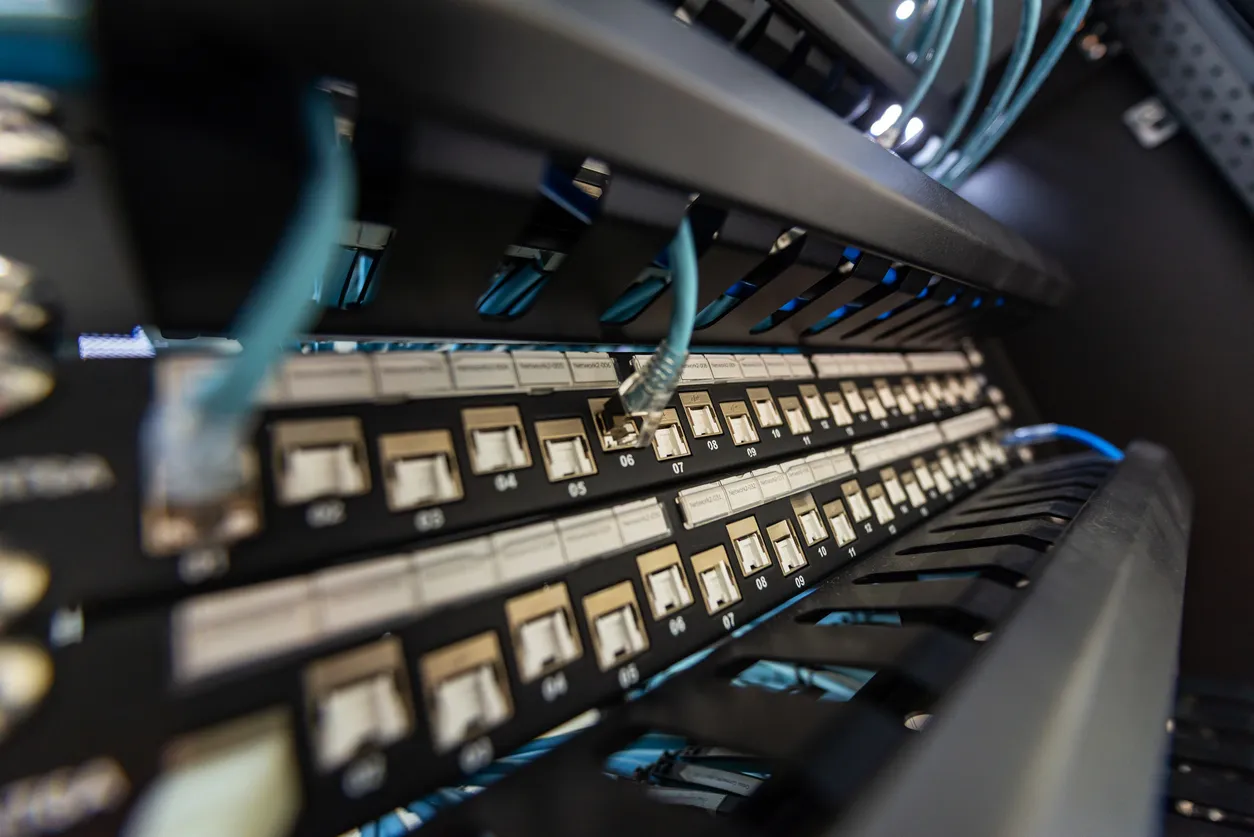
Sophos Switch network switch in a Sydney business comms cabinet

Key facts

  • Sophos Switches connect wired devices at the LAN edge and are managed from Sophos Central.
  • They form part of the Sophos secure access portfolio alongside the firewall, wireless, and ZTNA.
  • Power over Ethernet models power access points, IP phones, and cameras directly from the switch.
  • Managing switches in the same console as security gives one view of the wired and wireless network.
  • Network segmentation at the switch keeps guest, staff, and device traffic properly separated.

Why does the switch matter if the Wi-Fi works?

The switch is the backbone everything else plugs into, and a cheap or unmanaged one quietly limits the whole network. Access points, IP phones, and security cameras all rely on the switch for power and connectivity, so an underpowered or misconfigured switch shows up as Wi-Fi that drops, phones that cut out, and cameras that go offline. People blame the obvious device when the real problem is the box in the comms cabinet.

What does a managed switch give you over an unmanaged one?

A managed switch lets you segment the network, prioritise traffic like voice, supply Power over Ethernet, and see what is connected to each port. An unmanaged switch does none of that, it just passes traffic blindly. For any business beyond a handful of devices, the ability to separate networks and troubleshoot from a console rather than by unplugging cables is worth it. Managing Sophos Switches in Sophos Central means we can do that remotely.

How does 4iT approach the wired network?

We treat the switch, the cabling, and the Wi-Fi as one system, because they are. There is no point in fast access points fed by an overloaded switch, or a good switch sitting behind tired cabling. We design the wired layer to support what plugs into it now and what is likely to in the next few years. If you are weighing wired versus wireless for a fit-out, our piece on structured cabling versus Wi-Fi in the office walks through the trade-offs.

Frequently Asked Questions

For a few devices, basic switches are fine. Once you have access points, IP phones, cameras, or any need to separate networks, managed switches earn their place. We will tell you honestly where the line is for your setup rather than over-specifying.

Power over Ethernet (PoE) sends power and data down the one cable, so access points, phones, and cameras do not need a separate power supply at each location. If you are deploying any of those, PoE switches save a lot of cabling and power-point headaches.

Yes. Sophos Switches are managed from Sophos Central, so we can change configuration, check port status, and troubleshoot without coming on site for every small change. On-site visits are then reserved for physical work.

If your network is held together by unmanaged switches nobody has touched in years, we can put it on proper footing. Call 4iT on 1800 367 448 to talk through your wired setup.

Ready to Talk to a Sydney IT Specialist?

4iT Support covers SMEs across Greater Sydney including the Hills District, North Shore, Parramatta, and the CBD. No lock-in contracts. Straight answers.

Scroll to Top