
Multi-factor authentication (MFA) is a sign-in method that asks for more than just a password, usually a code or a tap on your phone, so a stolen password alone is not enough to get into your account. It is the single most effective security control most Australian SMEs can turn on, and Microsoft's own research shows it blocks more than 99.2 per cent of account compromise attacks. If you do nothing else on this page, the takeaway is simple: turn MFA on everywhere you can.
Key facts
- MFA requires two or more proofs of identity: something you know (password), something you have (phone or key), or something you are (fingerprint or face).
- Microsoft research shows MFA blocks more than 99.2 per cent of account compromise attacks.
- Microsoft now enforces mandatory MFA for sign-in to the Azure portal and Microsoft 365 admin centre, rolled out through 2024 and 2025.
- Not all MFA is equal: an authenticator app or passkey is significantly stronger than an SMS code.
- Cyber insurers now routinely require MFA before they will quote or renew a policy.
What is multi-factor authentication, in plain English?
Multi-factor authentication means proving who you are with at least two different types of evidence, so that compromising one does not hand over your account. The classic three categories are something you know (a password or PIN), something you have (a phone running an authenticator app, or a physical security key), and something you are (a fingerprint or face scan).
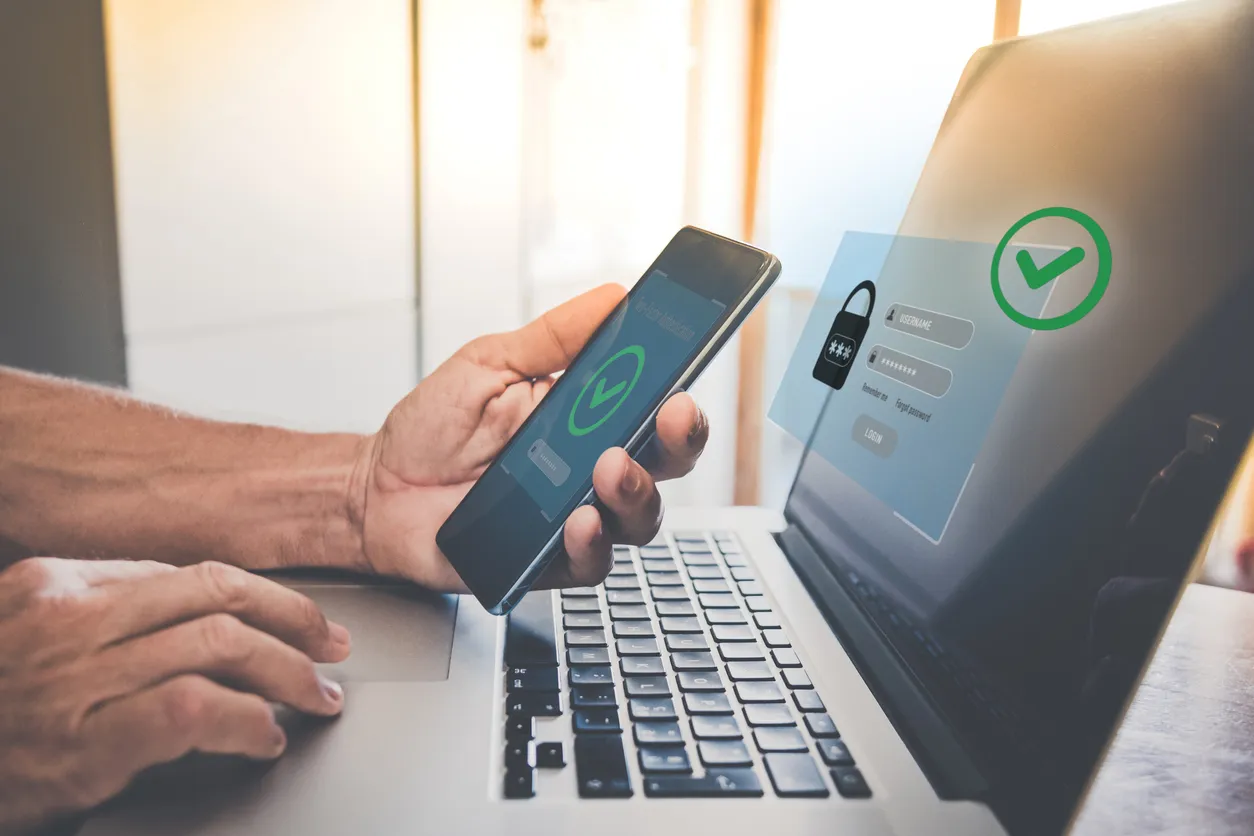
In everyday use it looks like this: you enter your password as usual, then approve a prompt in an app on your phone or type in a short code. The password is the factor attackers can steal in bulk through phishing and data breaches. The second factor is the one they almost never have, because it lives on a device in your pocket. That is the whole idea: make a stolen password useless on its own.
Why is MFA the most important control for an SME?
MFA matters more than almost anything else because stolen passwords are the most common way SMEs get breached, and MFA neutralises them. Attackers buy leaked credentials in bulk, guess weak passwords with automated tools, and phish them out of unsuspecting staff. Every one of those routes ends at a login screen, and MFA is the wall waiting there.
The Microsoft figure, that MFA blocks more than 99.2 per cent of account compromise attacks, is striking precisely because the control is so cheap and quick to turn on. There is almost no other security measure with that ratio of effort to protection. When we onboard a new Sydney client, enabling MFA across Microsoft 365 is one of the very first things we do, because it closes the most common door before we do anything else. (It is also one of the eight controls in the ACSC's Essential Eight, for the same reason.)
Is all MFA equally secure?
No. MFA is far better than no MFA, but the method matters, and SMS text-message codes are the weakest common option. SMS can be intercepted or redirected through SIM-swapping, and attackers have tools to trick users into handing over codes in real time. It still beats a password alone, but it is the floor, not the goal.
An authenticator app (such as Microsoft Authenticator) is stronger, especially with number-matching that makes blind approval harder. Stronger still are passkeys and hardware security keys, which are resistant to phishing because they will not authenticate to a fake site at all. For most SMEs, moving staff from SMS to an authenticator app, then to passkeys where practical, is the sensible progression. We covered the move toward passwordless sign-in in our guide to passkeys for Australian SMEs.
How does an SME roll out MFA without chaos?
A clean MFA rollout comes down to planning the order, communicating early, and using conditional access so the prompts are sensible rather than constant. The technical switch is easy; the friction is human, and it is entirely manageable with a bit of preparation.
In practice we start by enabling MFA for administrators immediately, because those accounts are the highest-value targets. If you'd rather have someone handle the rollout end to end, that's what our multi-factor authentication service covers. Then we roll it out to all staff with clear instructions and a short window to enrol, set up the Microsoft Authenticator app rather than SMS, and use conditional access so trusted situations do not trigger a prompt every five minutes. Done this way, a rollout across a typical Sydney SME is a quiet few days, not a revolt. The most common mistake we see is leaving a handful of accounts exempt "just for now", because those exemptions are exactly what gets exploited later.
Frequently asked questions
Is two-factor authentication (2FA) the same as MFA?
Effectively yes. Two-factor authentication is MFA with exactly two factors. MFA is the broader term covering two or more. In day-to-day business use the words are used interchangeably, and for most SMEs two well-chosen factors is the practical standard.
What happens if a staff member loses their phone?
They use a backup method or get their MFA reset by an administrator after verifying their identity. This is why setting up more than one method, and having a clear reset process, matters. It is a routine helpdesk task, not a crisis, when the setup is done properly.
Does MFA slow staff down?
Barely, when it is configured well. With conditional access, staff are not prompted constantly from trusted devices and locations; they approve a prompt occasionally rather than every login. The few seconds it costs are trivial against the protection it provides.
Is MFA required for cyber insurance in Australia?
Increasingly, yes. Most insurers now ask whether MFA is in place across email and remote access before they will quote or renew, and some will decline cover without it. Honest answers matter here, because a claim can be challenged if the controls described in the application were not actually in place.
If you are not certain MFA is switched on across every account in your Sydney business, including the ones someone exempted months ago, that is worth checking today. We help SMEs roll it out cleanly as part of managed IT security, and we are happy to take a look at your setup.










