Passkeys are FIDO2-based phishing-resistant credentials that replace passwords for sign-in. They're now mainstream across Microsoft 365, Google Workspace, all major Australian banks, and most enterprise SaaS, and represent a meaningful security upgrade over password+SMS or password+TOTP authentication. For Australian SMEs in 2026, the practical question isn't whether to adopt passkeys but how to roll them out without breaking the workforce. The straightforward path: enable passkeys alongside existing multi-factor authentication on Microsoft Entra and Google Workspace, train staff to enrol their devices as passkey authenticators, and gradually phase out SMS-based MFA over 6-12 months.
Key facts
- Passkeys are based on FIDO2 / WebAuthn standards and replace passwords with cryptographic keys stored on the user's device.
- Passkeys are phishing-resistant: a passkey for one site cannot be used on a fake version of that site, unlike passwords or even TOTP codes.
- Microsoft, Google, Apple, and the four major Australian banks all support passkeys as of late 2025.
- Microsoft Entra (formerly Azure AD) supports passkeys for Microsoft 365 sign-in via the Microsoft Authenticator app or hardware keys.
- SMS-based MFA is deprecated in security guidance from ASD, NIST, and most security frameworks; passkeys are the recommended replacement.
- Passkey adoption requires device-level support: iOS 16+, Android 9+, Windows 10/11 with Windows Hello, or macOS Ventura+.
What is a passkey and how is it different from a password?
A passkey is a cryptographic credential pair: a public key registered with the service you're signing into, and a private key that stays on your device. When you sign in, your device proves it has the private key without ever sending it. There's no password to type, no code to enter, no shared secret that can be phished.
Passkeys solve the two biggest problems with passwords. They can't be reused across sites (each passkey is unique to one service), and they can't be phished by a fake version of the legitimate site (the cryptographic challenge only works against the genuine domain).
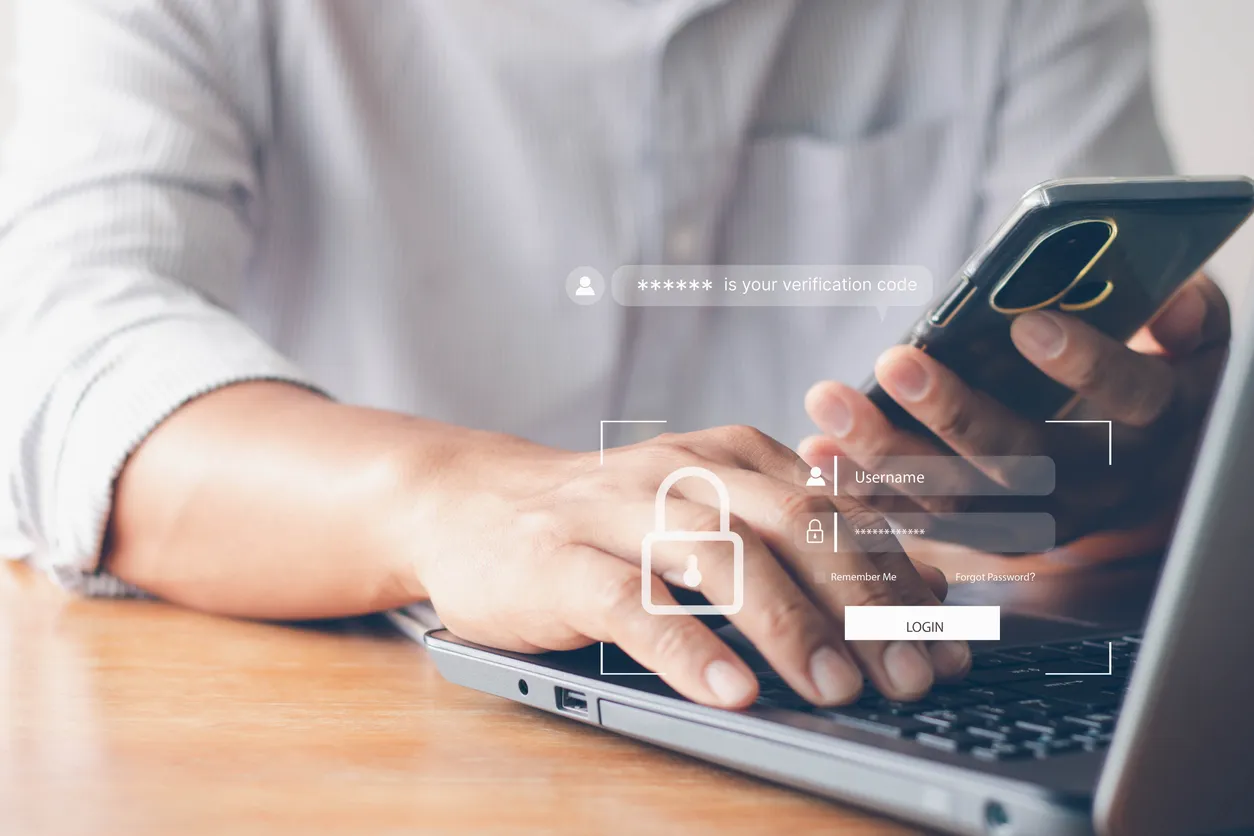
From a user perspective, a passkey sign-in looks like Touch ID, Face ID, or a Windows Hello PIN prompt. The user proves they're physically present with their device, and the device handles the cryptographic conversation with the service. No typing of long random strings, no fishing through SMS messages.
Why are passkeys better than password plus MFA?
Most SMEs in 2026 use password + MFA via SMS, TOTP authenticator app, or push notification. Each of these has known phishing-vulnerable failure modes.
SMS MFA can be phished via real-time relay attacks (the attacker collects the password and SMS code and uses them within seconds), bypassed via SIM swap fraud, or intercepted via SS7 telecom vulnerabilities. ASD's guidance has discouraged SMS MFA for sensitive accounts since 2022.
TOTP codes from Google Authenticator or similar are phished the same way SMS codes are: a malicious site asks for the password and the code, then uses both immediately on the legitimate service.
Push notifications are slightly better but vulnerable to MFA fatigue attacks (the attacker spams the user with login prompts until the user accidentally approves one). Microsoft introduced number-matching to mitigate this, but it's still possible.
Passkeys close all of these attack paths. The cryptographic challenge is bound to the legitimate domain, so a phishing site can't generate a valid prompt. There's nothing for the user to "type wrong" or accidentally approve. The credential is never transmitted, even encrypted, so SS7 or SIM swap attacks don't apply. For SMEs with valuable data, the upgrade is genuinely meaningful.
How do you roll out passkeys for a Microsoft 365 SME?
For Microsoft 365 environments (which covers the bulk of Australian SMEs), the rollout sequence is well-defined.
1. Enable passkeys in Microsoft Entra. In the Microsoft Entra admin centre, under Authentication methods, enable Passkey (FIDO2) for the relevant user groups. Microsoft Authenticator can act as a passkey authenticator on iOS and Android devices, and physical FIDO2 keys (YubiKey, Feitian) work for hardware-key scenarios.
2. Pilot with technical staff first. Roll out to IT, security, and one or two engaged users from each business team. They'll discover the edge cases (legacy applications, third-party SaaS that doesn't yet support passkeys, devices that fail to enrol) before the broader rollout.
3. Update conditional access policies. Configure Entra Conditional Access to require passkey for high-risk sign-ins, sensitive applications, and admin accounts. Keep password+MFA as a fallback during transition. Once passkey adoption is high, tighten policies to require passkey for the full user population.
4. Communicate and train. Most users adapt quickly to passkeys (it's easier than passwords once enrolled), but the enrolment moment needs explanation. A 5-10 minute walkthrough video, plus desk-side support during the rollout week, makes the difference between a smooth rollout and a frustrated workforce.
5. Phase out SMS MFA. Once 80%+ of users have enrolled at least one passkey, start the SMS MFA deprecation. Some users will need exceptions (devices that don't support passkeys, legacy applications), but the goal is to get SMS-based authentication off the standard path within 12 months.
What are the practical challenges of passkey rollout?
Three real-world challenges that catch SMEs off guard.
Cross-device sync. Passkeys can sync across a user's devices via iCloud Keychain (Apple), Google Password Manager (Android), or Microsoft Authenticator (cross-platform). The challenge is that users mixing ecosystems (iPhone with Windows desktop, or Android with Mac) sometimes have surprising sync gaps. The pragmatic answer is to enrol two passkeys per user, one per primary device, rather than relying on sync.
Shared accounts. Passkeys are designed for individual users, not shared accounts. SMEs that have a shared "info@" or "accounts@" mailbox accessed by multiple staff need to migrate to delegated access (Microsoft 365 shared mailboxes) before rolling out passkeys, or maintain a fallback authentication method for those accounts. Most organisations should be doing this anyway, since shared passwords are a security and audit problem regardless.
Account recovery. If a user loses their passkey-enrolled device and has no backup authenticator, they're locked out. The recovery path needs to be documented and rehearsed: temporary access pass via Entra admin, second passkey on a backup device, or hardware key in a secure location. Without a recovery plan, the first lost phone becomes a several-hour incident.
What about passkeys for SaaS apps outside Microsoft 365?
Most major SaaS providers now support passkeys as a sign-in option: Google Workspace, GitHub, Atlassian, Notion, Slack, 1Password, Dropbox, AWS, and the Australian banks (CBA, Westpac, NAB, ANZ). Coverage isn't universal, and some industry-specific tools still rely on password+MFA only.
For SMEs using Microsoft Entra as the central identity provider, the cleanest path is single sign-on (SSO) from Entra to as many SaaS apps as possible, then passkey-protect the Entra sign-in itself. This propagates passkey-grade authentication to every downstream app without requiring each SaaS to support passkeys natively. Most SMEs we see in Sydney have a long tail of SaaS apps; SSO via Entra cuts the per-app authentication question down to one shared front door.
Frequently asked questions
What is a passkey?
A passkey is a FIDO2-based cryptographic credential that replaces passwords for sign-in. It consists of a public key registered with the service you're signing into, and a private key that stays on your device. Passkeys are phishing-resistant: a passkey for one site cannot be used on a fake version of that site, unlike passwords or one-time codes.
Are passkeys safer than passwords plus MFA?
Yes. Passwords plus SMS MFA, TOTP codes, or push notifications are all vulnerable to phishing via real-time relay attacks. Passkeys solve this because the cryptographic challenge is bound to the legitimate domain, so a phishing site can't generate a valid prompt or capture a reusable credential. Passkeys are recommended over SMS MFA in current guidance from ASD, NIST, and most security frameworks.
Can I use passkeys with Microsoft 365?
Yes. Microsoft Entra (the identity provider for Microsoft 365) supports passkeys via Microsoft Authenticator on iOS and Android, Windows Hello on Windows 10/11, Touch ID/Face ID on Mac, and hardware keys like YubiKey or Feitian. Passkey support is enabled in the Entra admin centre under Authentication methods. Microsoft has been progressively expanding passkey support since 2023.
What happens if I lose my phone with passkeys on it?
Recovery depends on whether you have additional passkeys enrolled on backup devices, whether your passkey provider syncs (iCloud Keychain, Google Password Manager, or Microsoft Authenticator), and whether your IT admin can issue a temporary access pass via Microsoft Entra. The pragmatic answer is to enrol multiple passkeys per user and document a recovery process before relying on passkeys exclusively.
Should small businesses bother with passkeys, or is MFA enough?
For SMEs handling customer data, financial information, or anything regulated, passkeys are a meaningful upgrade over password plus MFA. The rollout effort is moderate (1-2 weeks for a 30-person SME) and the security benefit is real, particularly against phishing-based credential theft which is the most common SME breach vector. SMS MFA is becoming increasingly inadequate for sensitive accounts.
If you'd like a hand rolling out passkeys across your Microsoft 365 environment, configuring conditional access policies, or moving away from SMS MFA without breaking the workforce, we can run a passkey rollout review tailored to where your SME sits today.