
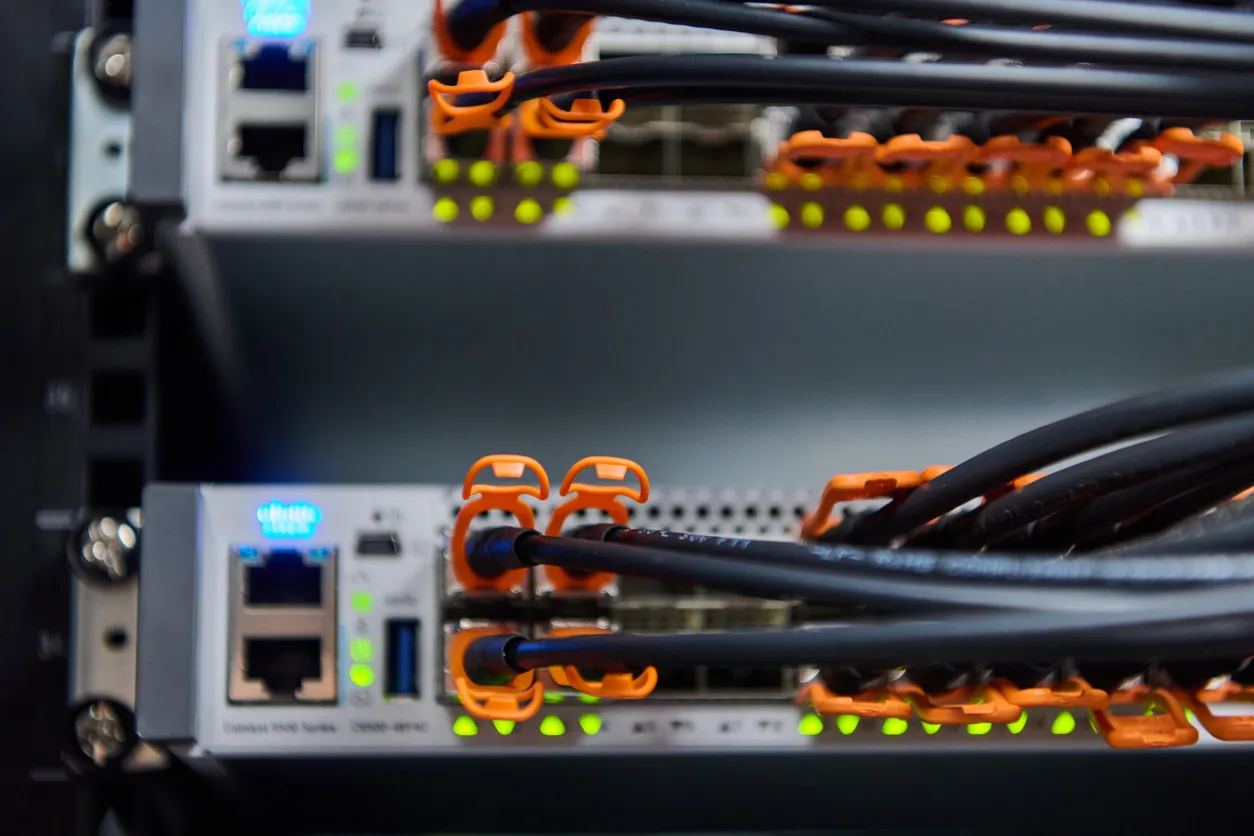
Key facts
- UniFi switches are managed, so VLANs, port settings, and traffic are configured and monitored centrally rather than left at factory defaults.
- Power over Ethernet (PoE, PoE+, and PoE++) runs access points, cameras, phones, and door readers off the switch, so those devices need one cable and no separate power supply.
- Multi-gig and 10G models and SFP+ fibre uplinks are available where the network needs more than gigabit between switches or to the server.
- There is no per-port or per-switch licence, so the cost is the hardware and the management, not an annual fee.
- Etherlighting on current switches shows port and link status by colour, which makes faults faster to spot during support.
Why do business networks need managed switches?
An unmanaged switch just passes traffic. A managed switch lets you separate networks with VLANs, prioritise voice and video, lock down ports, and see what is actually happening on the wire. For a business that runs staff data, guest Wi-Fi, cameras, and phones over the same cabling, that separation and control is what keeps one busy device or one guest laptop from dragging down everything else. UniFi switches give you that control from the same controller as the rest of the network, so the wired and wireless sides are managed as one system rather than two.
How much PoE does my network need?
More than most people expect, once you add it up. Every access point, IP camera, VoIP phone, and door reader can draw power from the switch, and the higher-powered devices need PoE+ or PoE++ rather than basic PoE. We size the switch and its power budget to the devices you are running now plus realistic headroom, because a switch that runs out of PoE part way through a fit-out is a problem you only discover at the worst time. Getting this right up front is cheaper than swapping the switch later.
Does UniFi switching support 2.5G and 10G?
Yes. UniFi has multi-gig and 10G switches, plus SFP+ fibre uplinks, for the parts of the network that need more than gigabit. In practice most SME desktops are fine on gigabit, and the multi-gig and 10G capacity earns its place between switches, to the server or NAS, and on the uplink to the gateway. We use it where it removes a genuine bottleneck rather than as a spec-sheet flex.
How does 4iT spec and install UniFi switching?
We size the switching to your device count, PoE needs, and how the network is laid out across the building, then install and configure it with proper VLANs and uplinks rather than flat factory settings. The cabling underneath still has to be sound, which is why we treat structured cabling as part of the job, not an afterthought. It is all managed from the controller as part of managed network services.

