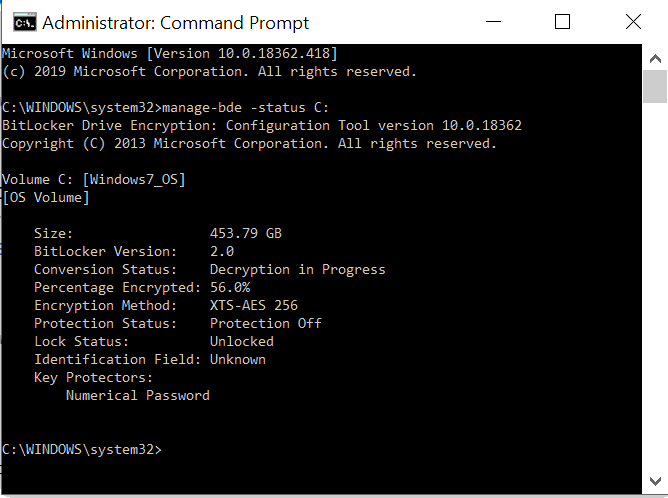
Here’s how to check the status of Bitlocker from the command line.
Step 1
Open the command prompt as an administrator
Step 2
Enter the following command:
manage-bde -status C:
Where C is the letter of the drive you wish to check
You will be presented with the Bitlocker status including some details as shown below: