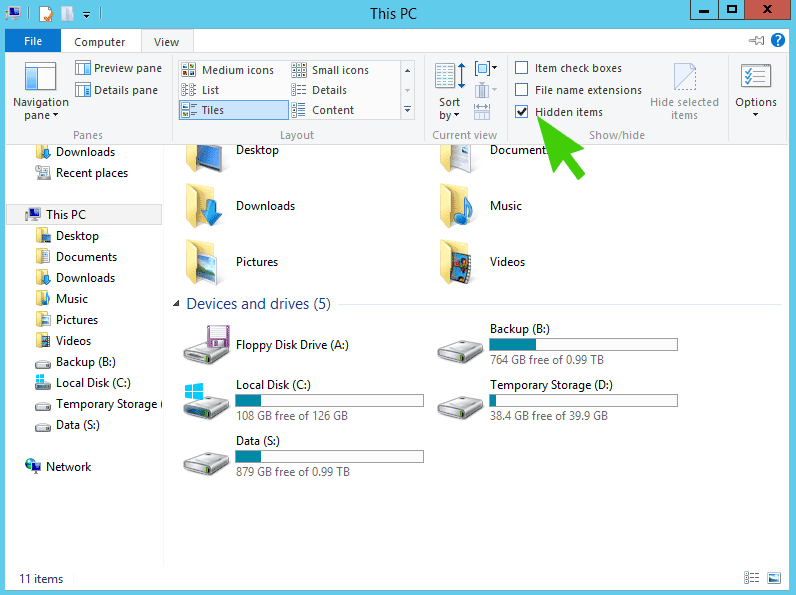
Location of Startup Folder in Windows Server 2012 & Windows 8
Issue
You can’t find the Startup Folder for an Individual user using the traditional methods available in previous version of Windows
Solution
Step 1
Turn on Hidden Files and Folders
Step 2
Browse to the folder manually
C:\users\<username>\AppData\Roaming\Microsoft\Windows\Start Menu\Programs\Startup