This article will demonstrate how to restart a Windows computer in to safe mode using the command prompt.
Step 1
From the command prompt type in the following and press Enter
bcdedit /set {current} safeboot minimal
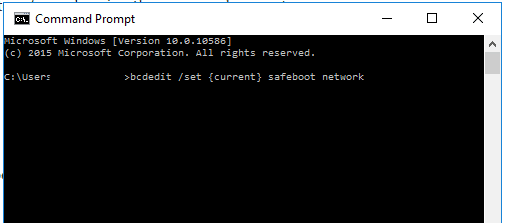
If you want to restart using Safe Mode with Networking type in:
bcdedit /set {current} safeboot network
Step 2
Restart the computer using the following command:
shutdown /r
Note: After you have finished working on the computer in safe mode you will need to enter the following command before restarting to enter normal operation again:
bcdedit /deletevalue {current} safeboot